Accounting
Accounting
Accounting shows you what has been paid, what you still owe, and where your invoices and payouts come from.
Open it from the sidebar: Accounting.
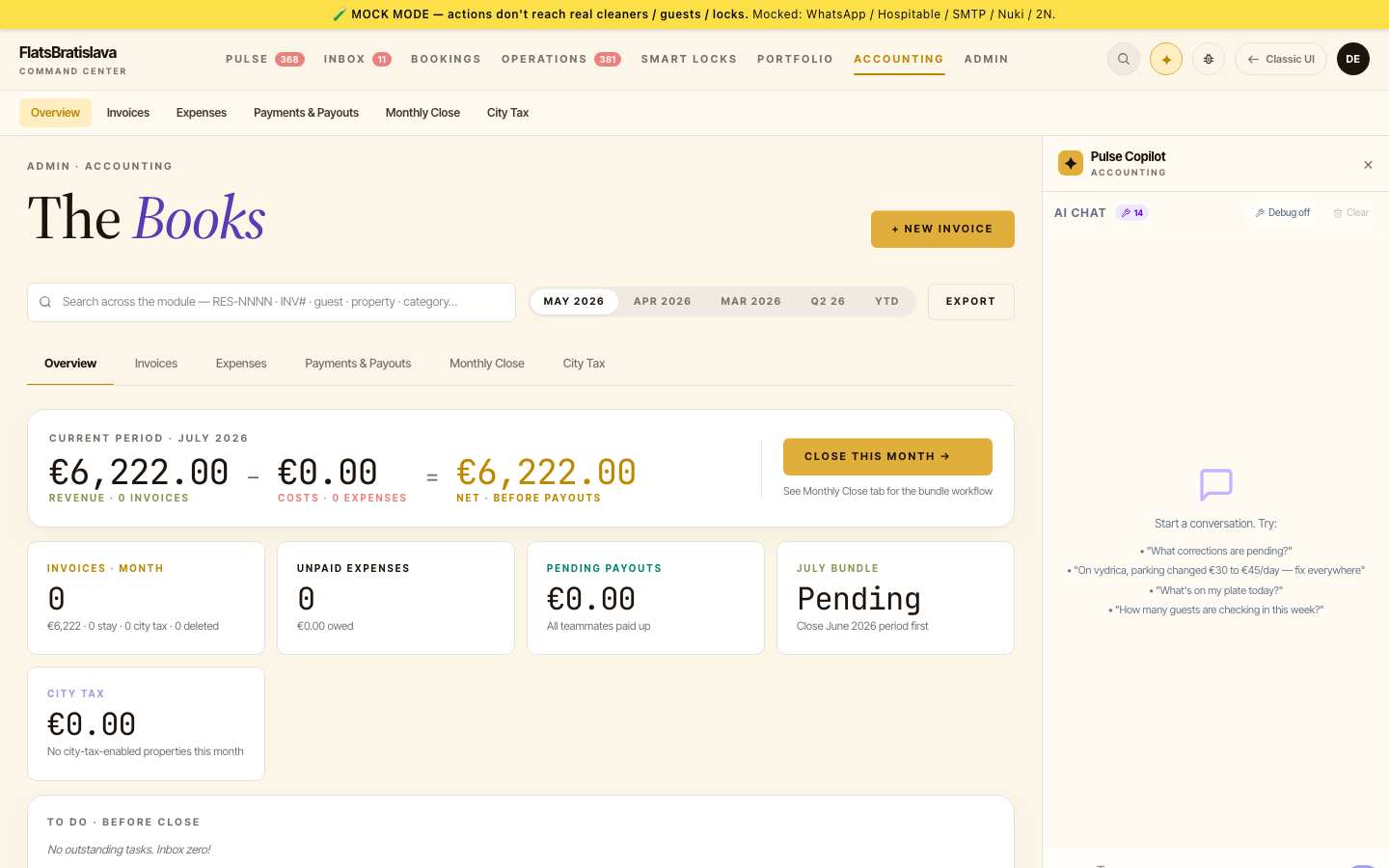
Sections
- Overview: the key numbers PENDING PAYOUTS, monthly BUNDLE and CITY TAX.
- Payments: one row per payment, with a quick look at the task behind it, photo proof, and labels for missing links.
- Invoices: create invoices, choose the language, open invoices you already made.
- City tax: city tax paid through the platform or in cash, and the monthly report.
Payments and payouts
Accounting → Payments & Payouts shows one payment per row. The proof from the task (cleaning photos, walkthrough checklist) is one tap away. Use Generate payout report on the same screen to see what a teammate is owed, and the MARK … EXPENSES PAID button to mark expenses paid. See Payments.
Source: the luxury.host operator manual.