Task Templates
Lifecycle phases
Task templates are sorted into 8 lifecycle phases, from new booking to after the stay. In the Operations → Task Templates list each phase is a filter chip, so you find a template fast.
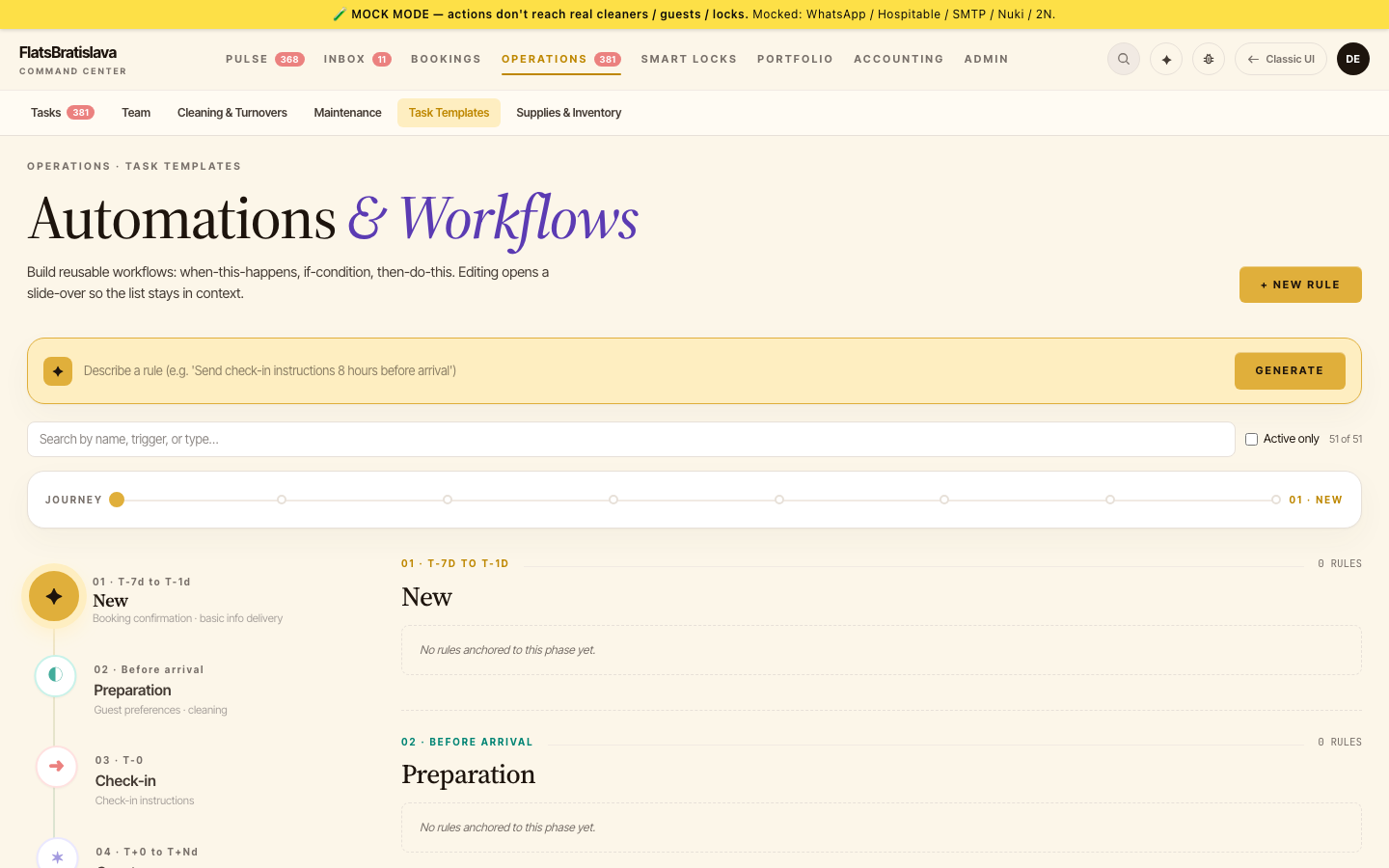
The 8 phases
| Phase | When it runs |
|---|---|
| new | When the booking arrives: confirm the booking, make the guest book, note the channel |
| preparation | Before the guest arrives: create the door code, plan the cleaning, send arrival info |
| checkin | At and around check-in: Send Check-in instructions, create PINs, send the welcome |
| guest care | During the stay: check-out reminder, mid-stay survey, special requests |
| checkout | At and around check-out: check-out instructions, final payment, ask for a review |
| after stay | After check-out: thank-you message, review reminder, follow-up offer |
| troubleshooting | Problems at any time: broken appliance, dispute, refund |
| other | Everything not sorted yet |
Templates that were never sorted are in other.
Setting the phase
In the Task Templates editor, the Lifecycle phase field is in the Basics section. Pick one of the 8 values and save.
On the Manual Trigger page
The Manual Trigger page groups templates by phase too. To see "what could I run during check-out?", tap the checkout group.
The phase does not change timing
The phase is only a label to keep things in order. It does NOT change when a rule runs. The event, offset and conditions decide that.
Source: the luxury.host operator manual.