AI Cockpit
Prompts editor
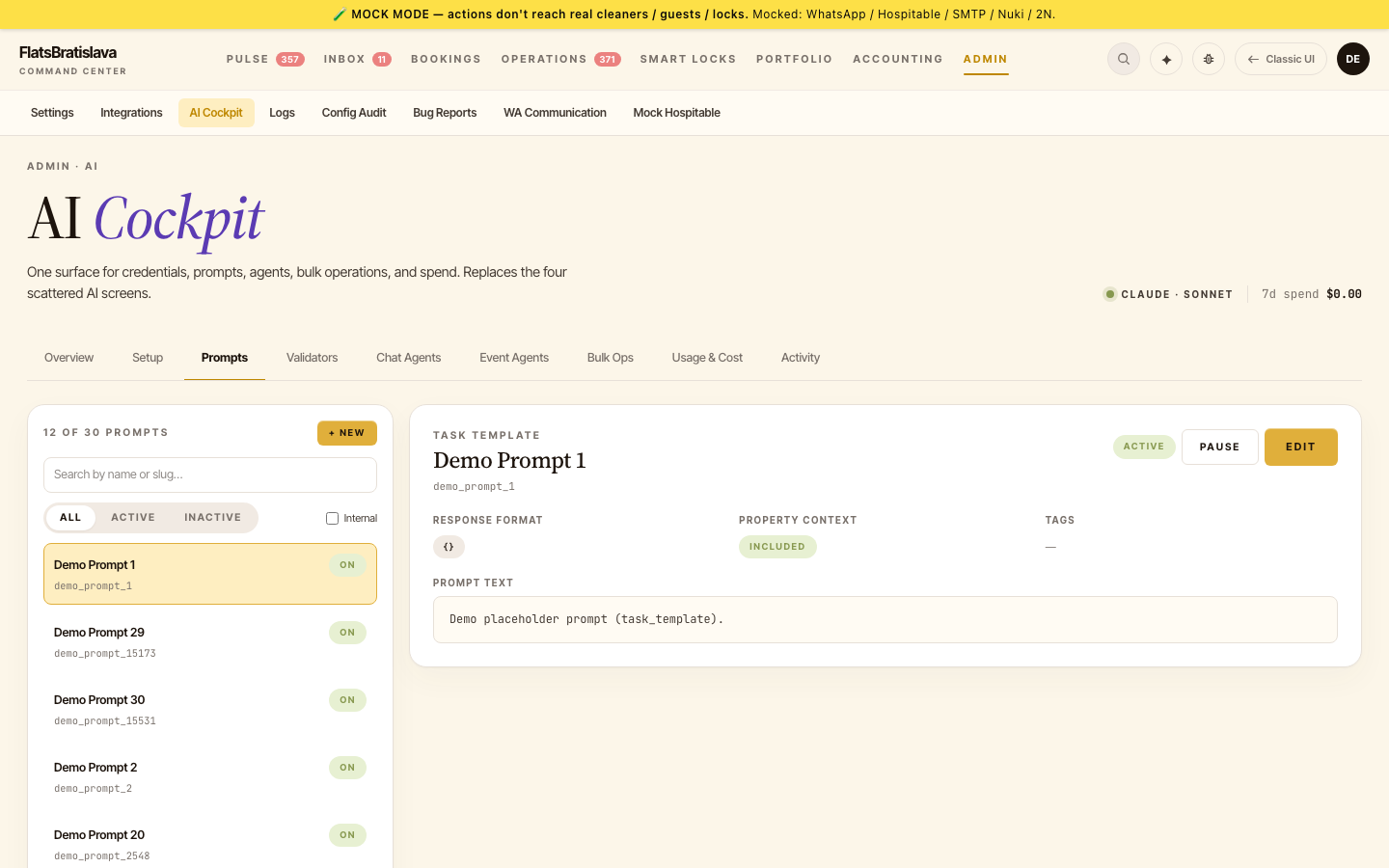 The Prompts tab in the AI Cockpit is where you edit the written instructions (prompts) the app gives the AI. Most hosts never need to change them. Open this tab when the AI keeps misreading one kind of message and you want to give it a better instruction.
Prompt names
Each prompt has a fixed short name. The app always uses the text you saved for that name. If that text is missing or broken, the app uses its built-in default text.
Common names you'll see:
message_analysis: reads incoming guest messages and sorts themwa_chat_assistant: helps Pulse Copilot understand your questionstask_template_validator: checks your template edits (see Task Templates editor)cleaner_walkthrough_intent_classifier: reads cleaners' WhatsApp replies and photos- … (the full list is in the editor)
What you can edit
For each prompt:
- Prompt body: a text box, with
{{placeholders}}highlighted. - Model: a list to pick from (the same as the model field in the Agents editor).
- Save: the app uses your new text the next time the AI runs this prompt.
Like the Agents editor, every save is logged with who did it, what changed, and when.
When to use Prompts vs Agents
| Tab | Use when |
|---|---|
| Agents | You want to adjust one of Pulse Copilot's helpers (accounting, messaging, and so on): its instructions, model, thinking budget (how long the AI may think before it answers) or tool rounds (how many times it may look something up before it answers). |
| Prompts | You want to adjust a one-step AI job (message analysis, checks, sorting). These are not helpers that chat back and forth. |
A simple rule: if the AI gets one question and gives one answer, it is a Prompt. If it can look things up or act in the app over several steps, it is an Agent.
Source: the luxury.host operator manual.