AI Suggest
AI Suggest drafts a reply for you when a guest writes on WhatsApp. The AI reads the chat and your FAQ and writes a draft. Nothing is sent to the guest until you press send: you accept the draft, edit it or reject it.
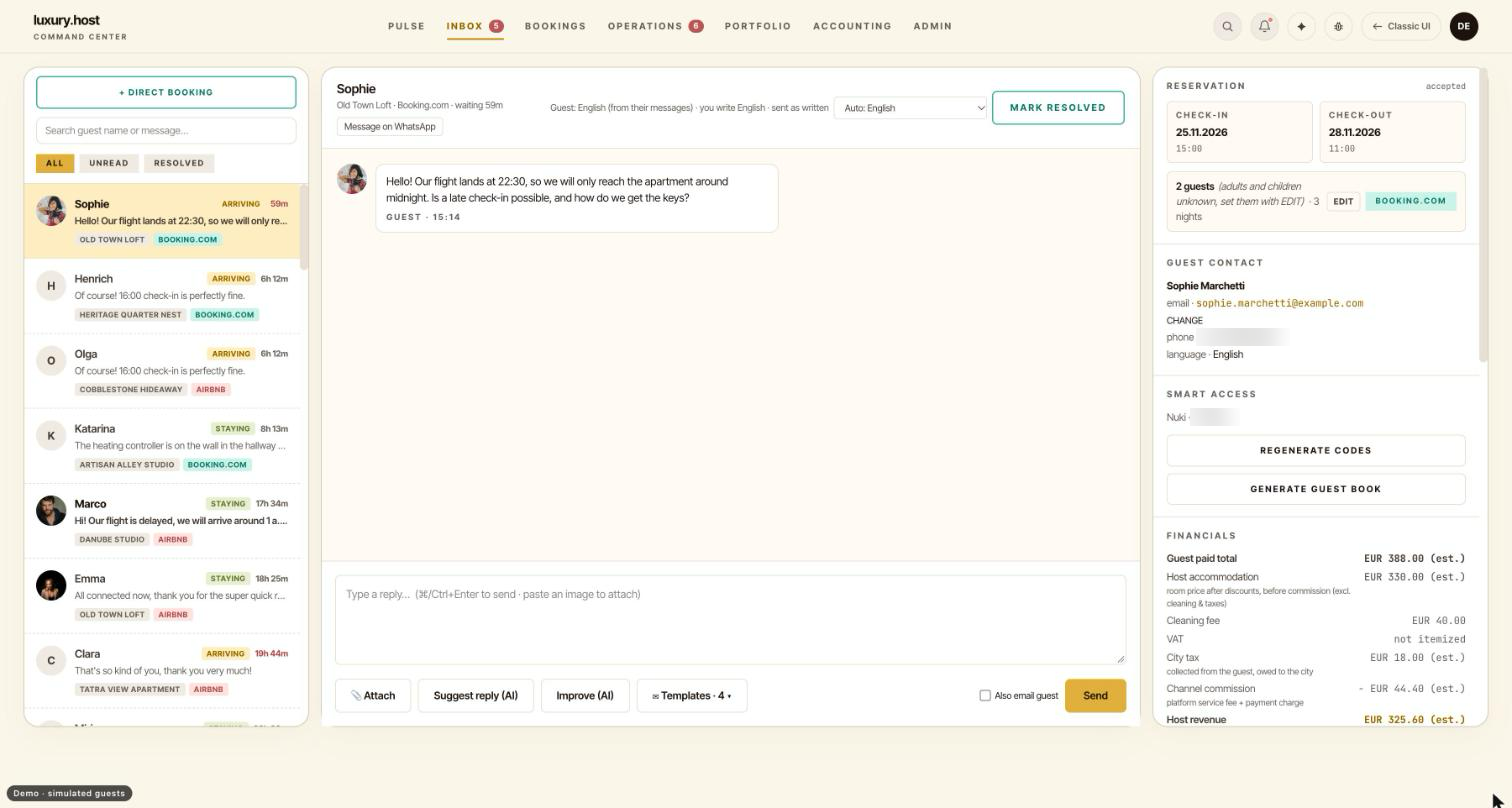
Where it appears
- Reservation → Messages tab: every guest message without a reply has an AI Suggest button.
- WA Comm screen: all your chats in one place, with the same suggest button on each chat.
- Pulse → Recent messages card: quick access to chats where the AI did not write a draft because it was not sure.
How a draft is made
- The app takes the guest's latest message.
- It finds out which language the guest writes in (see Languages).
- It picks the language for the reply (see "Which language the reply uses" below).
- It reads the recent chat (the last ~20 messages, in their original language).
- It reads your FAQ for this flat and for your whole account (see FAQ Knowledge Base).
- It reads the booking: dates, guest mood, recent cleaning and task status.
- The AI writes a reply in the reply language.
- You get the draft to check.
Accept, edit or reject
You see something like this:
Guest (Jonas) · de:
 "In der Wohnung gibt es kein warmes Wasser. Was soll ich tun?"

Suggested reply (en):
 "Hi Jonas, sorry about the hot water. The boiler is in the
 utility cupboard near the front door. Please flip the red
 switch and wait 5 minutes. If it still doesn't work, let me
 know and I'll send a technician."

[ Accept and send ] [ Edit ] [ Reject ]
- Accept and send: the draft is sent as it is and marked AI in the chat.
- Edit: the draft opens in the editor. Change it and send.
- Reject: the draft is thrown away. You reply yourself.
Which language the reply uses
- The app finds the guest's language from their latest message. If that is not clear, it uses their country and phone prefix.
- The host's language is the language set on the teammate who handles the booking.
- If the host speaks the guest's language, or both speak the same language, the reply is in the guest's language.
- Otherwise the reply is in the host's language.
Internal notes do not change the language
The app writes short internal notes in the chat to help the AI ("Guest asked for early check-in; ops approved"). Guests never see them. The app does not use these notes to decide the guest's language, so a note in your language cannot change the language of the reply.
When the AI does not draft a reply
Sometimes the AI says "I'm not confident enough to draft a reply" and gives a reason. Common cases:
- The message is a single emoji or a sticker.
- The guest asks for legal or money advice that a person must answer.
- The chat says something different from your FAQ.
Then you write the reply yourself. The chat history is still there to help you.
Quality controls
- Replies sent by the AI always have an
AItag in the chat. - After some time you can adjust how the AI writes in AI Cockpit → Prompts.
- If you reject many drafts, your FAQ probably needs more answers. See FAQ Knowledge Base.
Flag a wrong draft 👎
If a draft got something wrong, tap 👎 next to the draft. Pick the reason (invented a commitment, wrong fact, wrong stay phase, repeated info, tone, language or other), add a note if you want, and tap 👎 FLAG DRAFT. The draft stays where it is. Your flag is saved so the AI can learn from it. You see all flags in AI Cockpit → Setup → Flagged drafts.