Units
Stock is counted in one of three units: pieces, litres or kilograms. Everything else (packs, bottles, boxes, rolls, ml, g) is converted into these three.
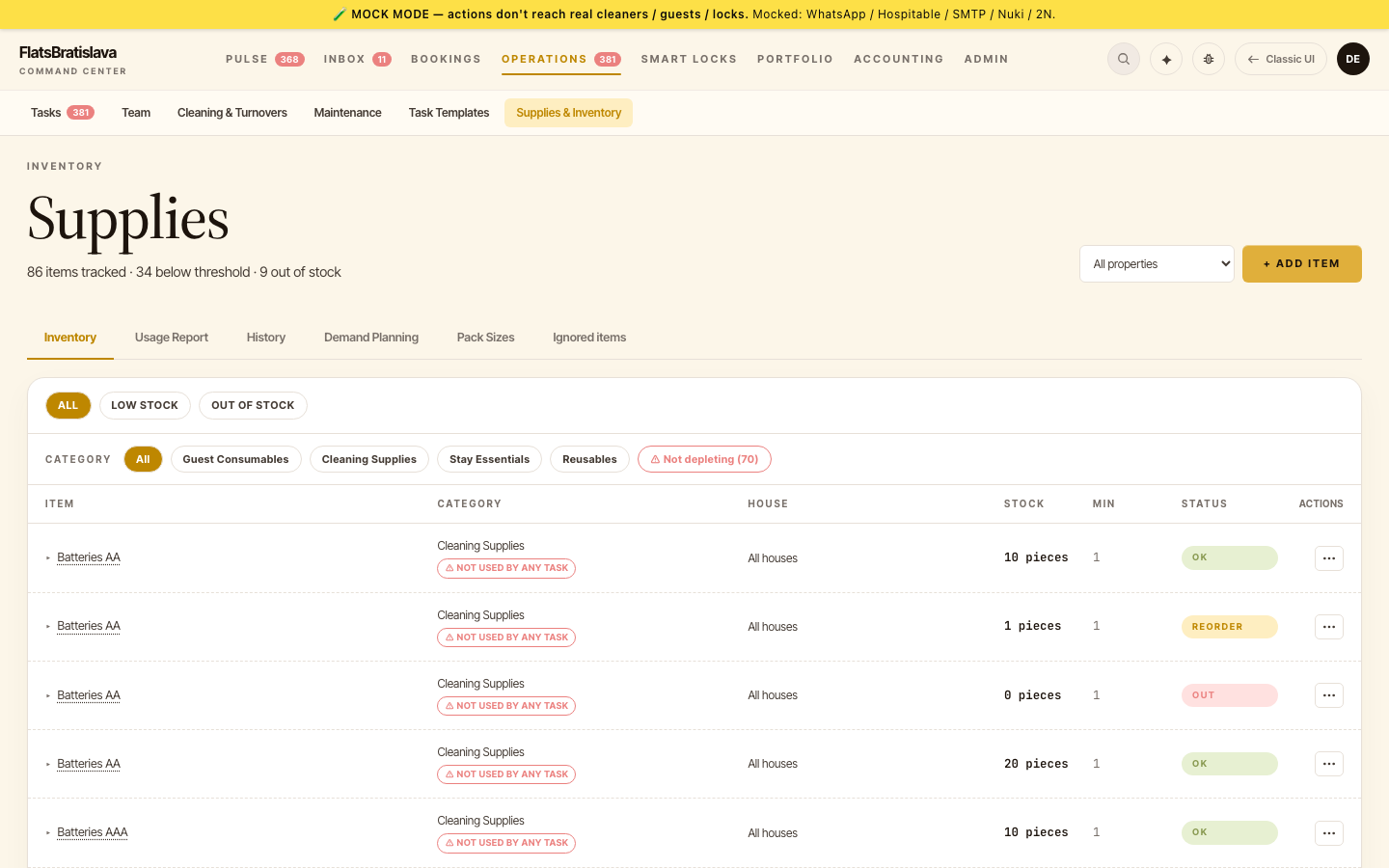
The three units
- pieces: things you can count (capsules, rolls, tabs, packed items).
- litres: any liquid (ml are converted when the receipt is read).
- kilograms: any loose solid (g are converted when the receipt is read).
Because the units are the same everywhere, merging by product type (see 4-level model) works across different products and pack sizes.
The AI picks the unit
When a new supply appears (from a receipt), the AI picks the unit from the product type and how the product is usually sold:
- Coffee capsules → pieces
- Shampoo → litres (whatever the ml size of the bottle)
- Detergent powder → kilograms
You can change it in the 4-level model editor.
Units in checklists
The cleaner checklist Use supplies action accepts:
| Unit type | Example values |
|---|---|
| pieces / kg / litres | Whole or part amounts (for example 2 capsules, 0.5 kg) |
| ml / l / g / kg (auto-converted) | Easy to type; converted to the stock unit when saved |
| % of container | Percent of one CONTAINER (bottle / box), not % of stock |
Percent: of a bottle, not of stock
Percent always means percent of one container (the container size set on the supply), not of all stock. Shampoo container = 300 ml → a checklist item set to 20% uses 60 ml per cleaning. That matches "a fifth of a bottle".
Percent stays available
Some cleaners say "half a bottle of shampoo" rather than "150 ml". So % stays a choice on checklist items. The app remembers it as a percent and works out the real amount when the supply is used.
No double rows
Two rows in the SAME property with the same NAME are joined into one:
- Same name, same property, same unit and same container size: joined when the row is created.
- When a receipt is read, the app checks for such a double before it adds a new row.
Every change is logged. You can review it under Admin → Audit Log.