Placeholders
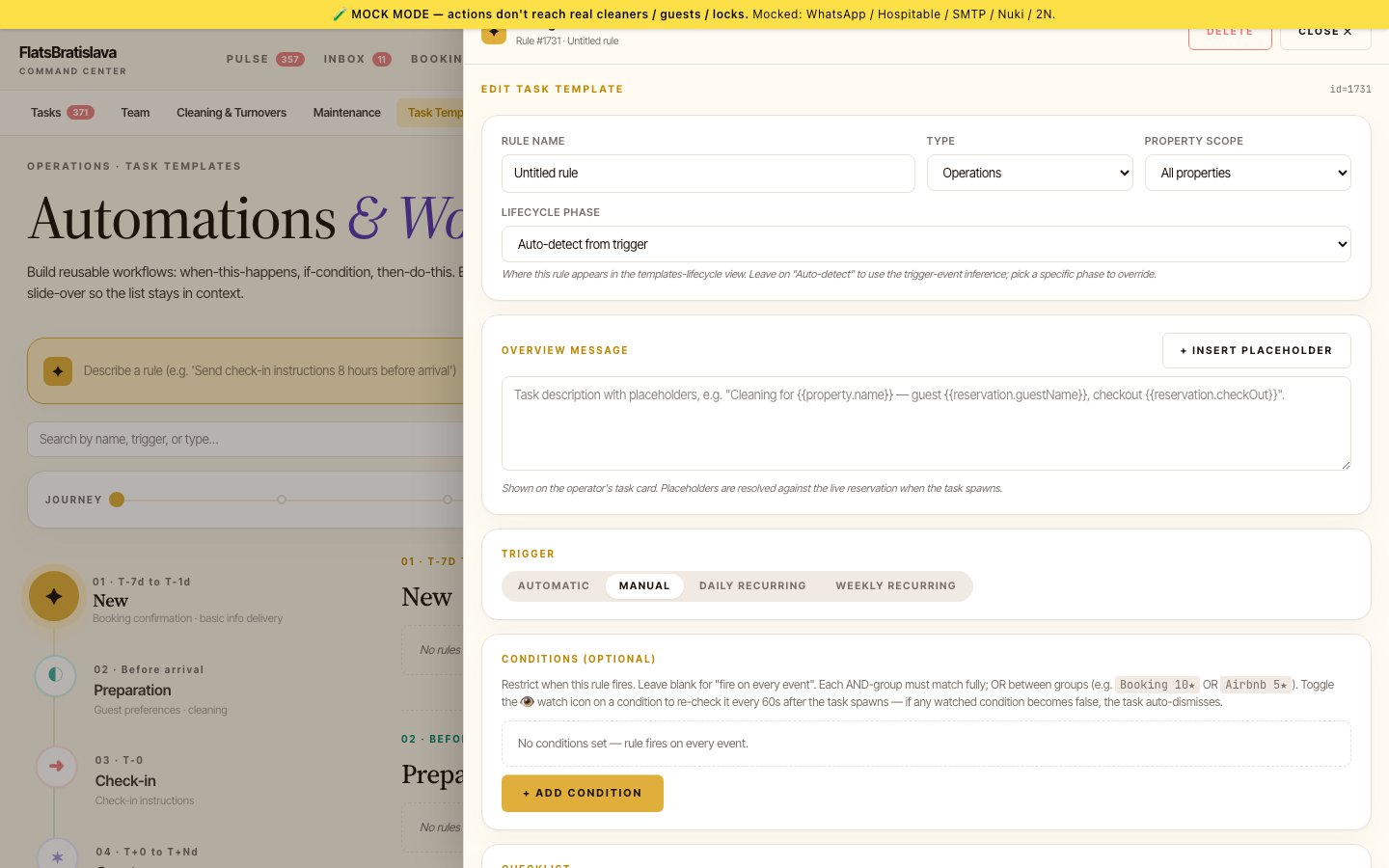
A placeholder is a short code like {{guest.name}}. When the task runs, the app replaces it with the real value from the booking, guest, flat or teammate. This way one template writes a personal message to every guest.
How to write them
Simple value
{{guest.name}}
{{property.address}}
{{reservation.checkInDate}}
Write the group, a dot, and the field, for example guest.name.
Fallback chain
{{a|b|c}}
If a has a value, the app uses a. If not, it tries b, then c. Useful for values that can be changed for one booking:
{{reservation.earlyCheckinTime|property.checkInTime}}
This means: use the booking's early check-in time if there is one; otherwise use the flat's normal check-in time.
Values from the booking's flat or guest
You can reach values through the booking. For example {{reservation.property.name}} or {{reservation.guest.nukiAccessCode}}.
Placeholders you can use
| Group | Common fields | Notes |
|---|---|---|
guest |
name, email, phone, nukiAccessCode, twoNAccessCode, language, country |
The main guest of the booking. If there are several guest records, the one with the access codes is used. |
reservation |
code, checkIn, checkOut, earlyCheckinTime, lateCheckoutTime, propertyName, totalPrice, nights, guestMood, guestCommunicationType |
One per booking. |
property |
name, address, checkInTime, checkOutTime, wifiPassword, parkingInstructions, guidebookText |
One per flat. |
teammate |
name, phone, language, noTranslateLanguages |
The teammate the task is assigned to. |
tenant |
name, defaultLanguage, whatsappPhoneNumberId |
Settings of your account. |
These are the common fields. Any other guest detail saved in the app can be used too, written the same way.
Checks in the editor
The editor checks that every placeholder points to a real field.
When the task runs
- The app loads the booking.
- For each placeholder in the action settings, it finds the value.
- It puts the value in the text.
- If a placeholder has no value:
- With a fallback chain: it tries the next one.
- No fallback, and the placeholder is required: the task fails with a clear error.
- No fallback, and the placeholder is not required: it is replaced with nothing.
Example
Hi {{guest.name}},

your access code for {{property.name}} is *{{guest.nukiAccessCode}}*.

You can check in any time after {{reservation.earlyCheckinTime|property.checkInTime}}.
The full address is:
{{property.address}}

WiFi: {{property.wifiPassword}}
becomes:
Hi Ines,

your access code for Old Town Loft is *847291*.

You can check in any time after 15:00.
The full address is:
Old Town, 811 01 Bratislava

WiFi: loft-welcome-2026