Properties
Properties
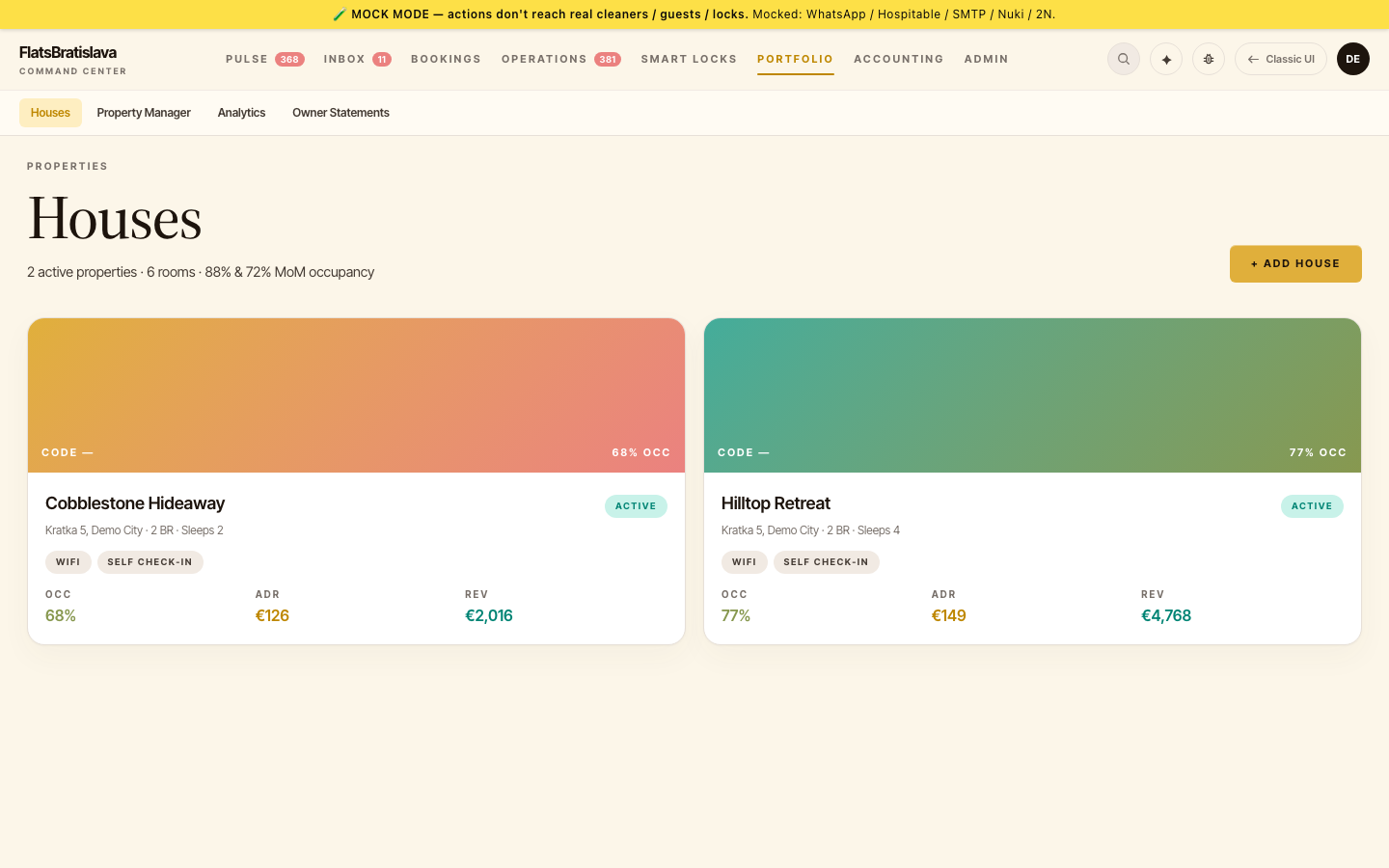 A property is one flat you rent out. Everything the app does for a booking uses the property's settings: the address (for the guidebook), the check-in times (for task timing), the Nuki locks (for door codes) and the default prices (for the revenue simulation).
In this section
- How to add a new property: step by step, from a channel or by hand, to the first booking
- Property List: see and open your properties
- Property Configuration: the Configuration tab of Property Manager
- Smart Locks (Nuki): how the Nuki connection makes door codes for guests and teammates
Where to find it
Open the property list and click a card. The detail of that property opens. The settings are in Property Manager.
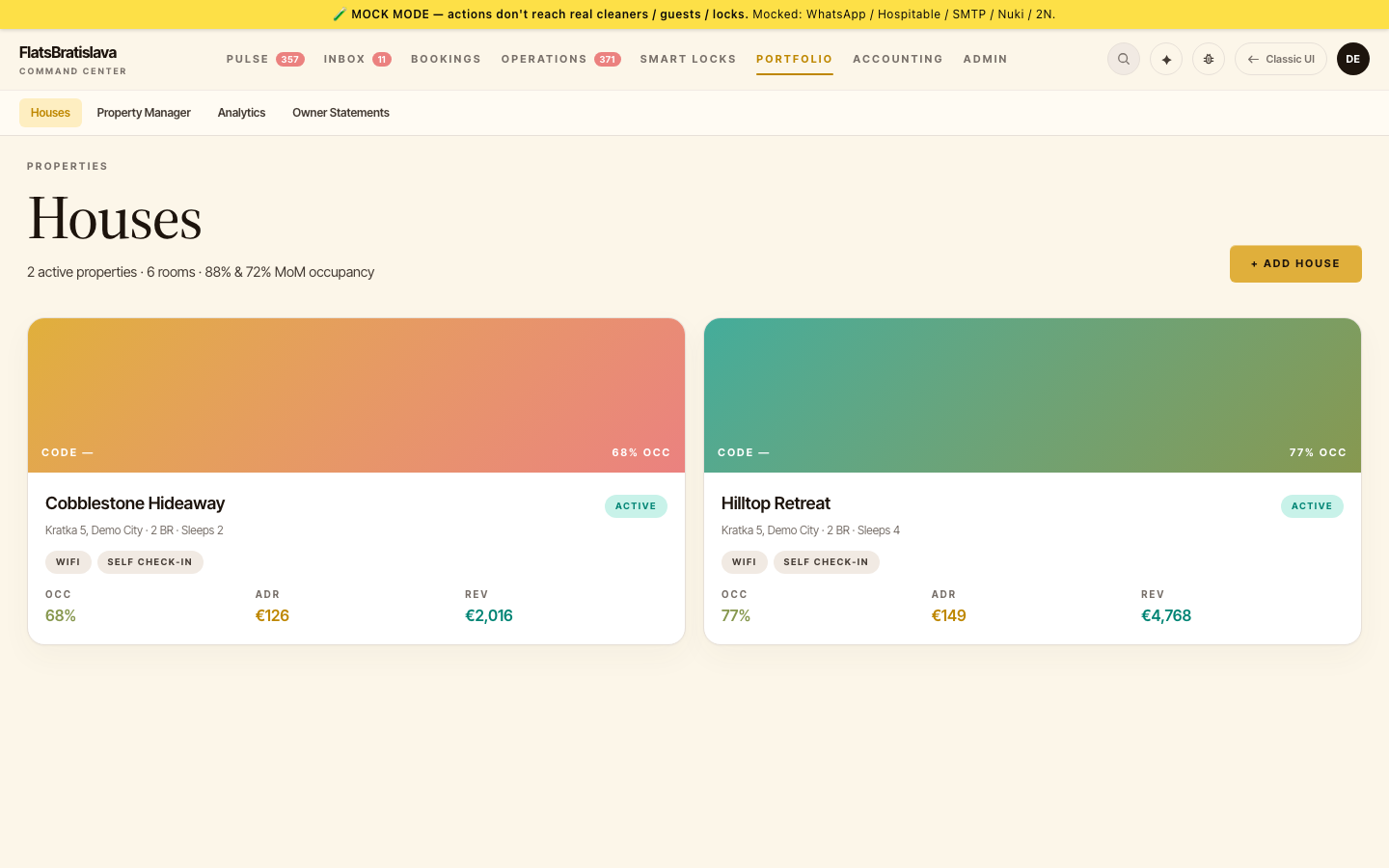
To change the settings of a flat, open Property Manager and pick the flat. See Property Configuration.
From new flat to first booking
- Create a property. Usually this happens by itself when a new listing arrives from Hospitable. The app fills in the basic data; you add the rest.
- Complete the configuration. Address, photos, check-in times, Nuki lock IDs, prices. See Property Configuration.
- Assign teammates. At least one host and one cleaner. Without someone assigned, the tasks for this property go to nobody.
- Activate the smart lock. Link your Nuki account and add the lock IDs. See Smart Locks.
- Receive reservations. A booking arrives from Hospitable, the app creates it and starts the tasks for it.
Common questions
- A property is missing its name in a task notification. The property was created from a booking that came without a name. Open the property editor and type the name.
- Check-in time on a reservation is wrong. A booking can have its own early check-in or late check-out time, and that time always wins over the property default. Fix it on the booking. See Reservations.
- Smart lock has no PIN generated for today's guest. The code is made by the Generate access code task. If that task is blocked, or the code was saved for the wrong guest, see Reservations → Send Check-in.
Source: the luxury.host operator manual.