Community portal
Community portal
Two web addresses next to the app: one to see and vote on feature requests, one that leads to the community site.
/roadmap: feature requests from the community and where they stand./community: a link to the community site. It is not a screen of the app. When you open it, you are sent on to the community site.
/roadmap
The page lists feature requests from the community. Use the tabs to filter them: All, Planned, In Progress and Shipped. Requests that are shipped appear in a separate section at the bottom.
Each row has a vote button and the number of votes so far. You must be signed in to vote. Each vote belongs to your account, so the counts show real interest and not bots.
To add your own idea, use + Suggest a feature. You must be signed in for this too.
/community
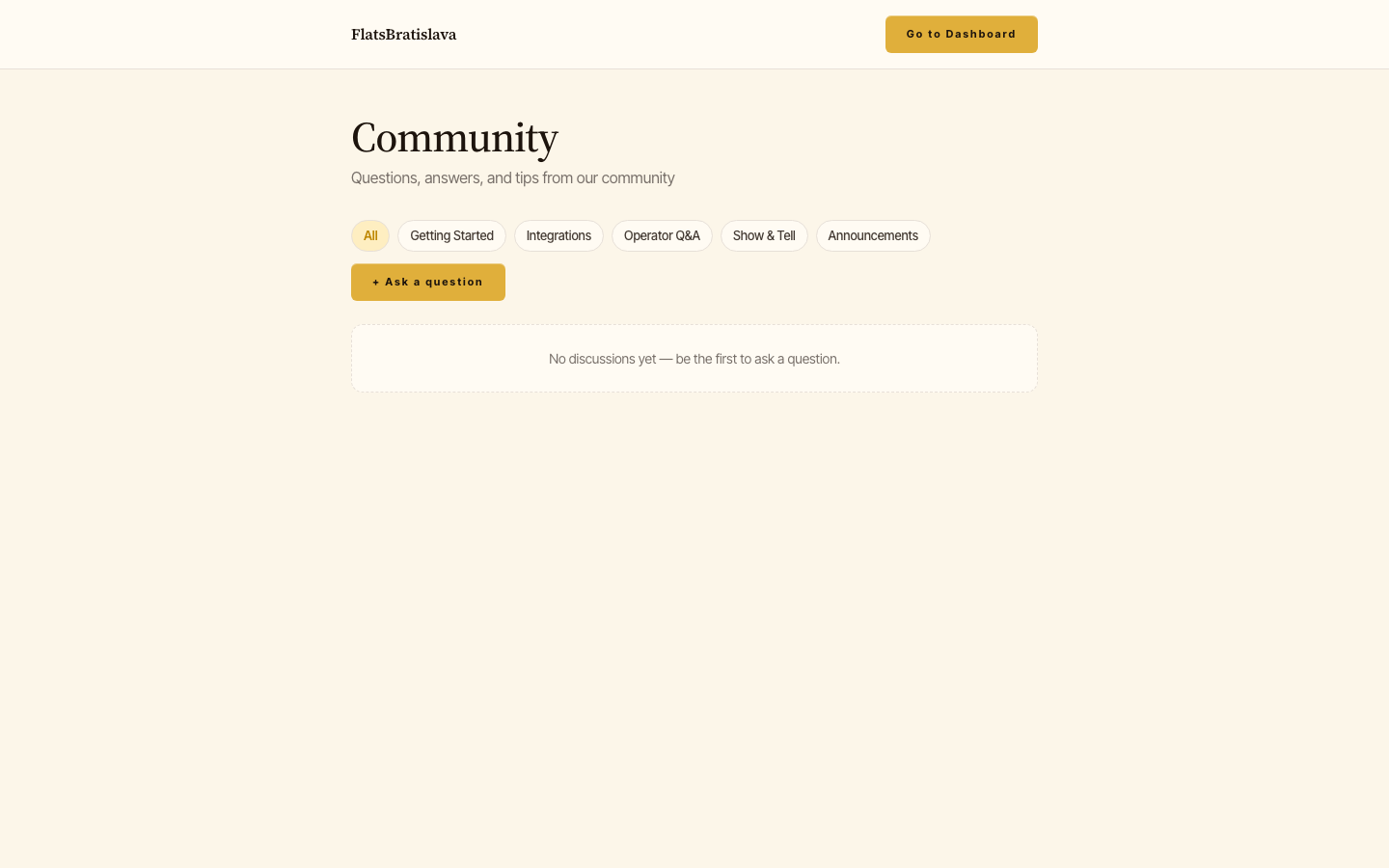
/community sends you to the community site. If you were asked to sign in first, you land on the community site after you sign in.
What goes where
| You want to | Use |
|---|---|
| Report a bug (with screenshot or video) | In-app Bug Report |
| Ask for a feature | /roadmap → + Suggest a feature |
| Vote on what gets built next | /roadmap, vote button on a request |
Source: the luxury.host operator manual.