Receipt ingestion
Upload a receipt (PDF / photo / scan). The app reads it, turns packs into pieces (using Pack Sizes) and adds them to the right supply rows.
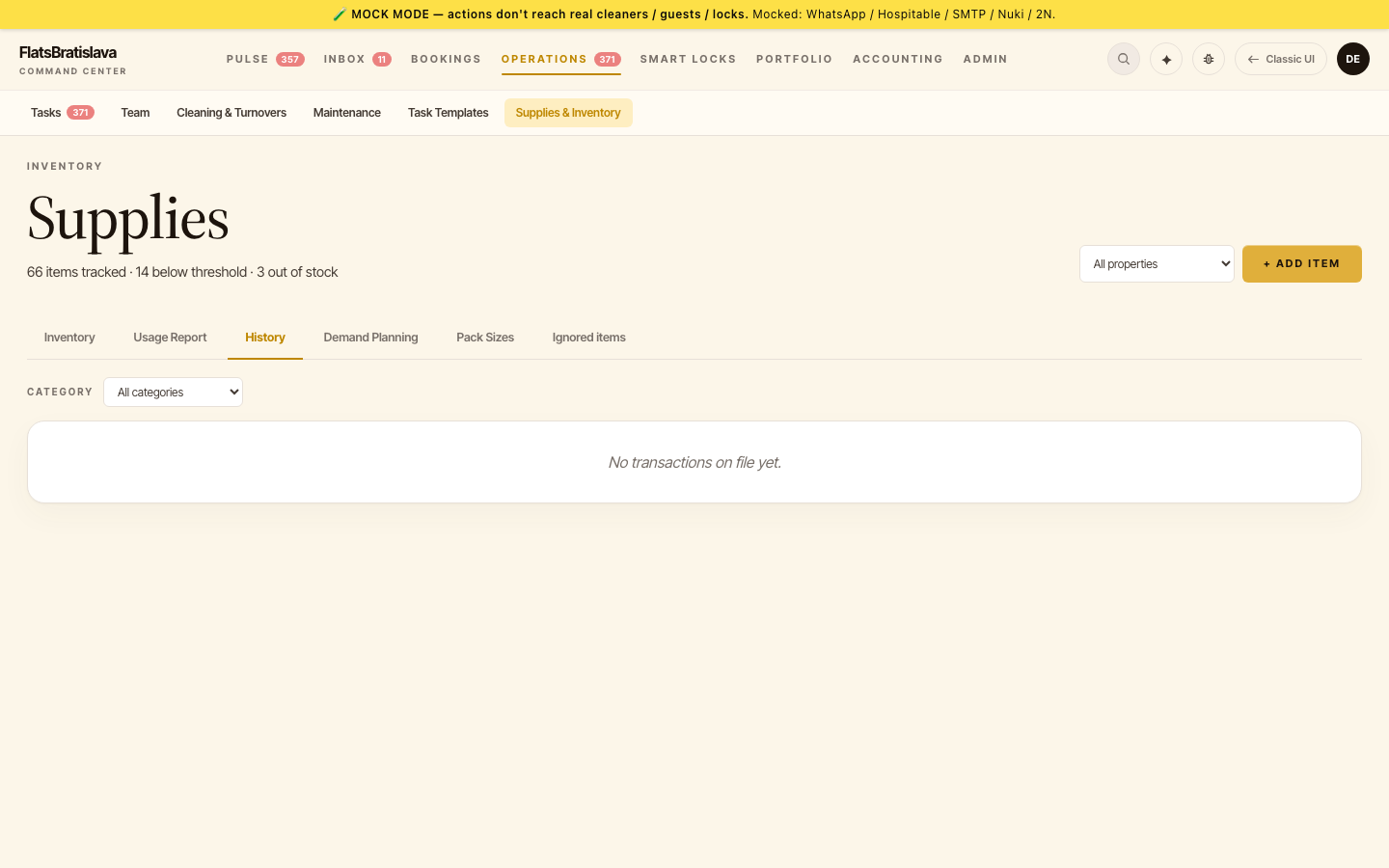
Upload
Operations → Supplies → + RECEIPT → choose the file. Accepts PDF, JPG, PNG, HEIC.
After upload:
- The file is saved.
- The AI reads the lines, amounts and total.
- Each line is matched to a supply (by its clean product name).
- For lines with packs, the pack size is used (see below).
- All stock changes are shown together on one preview screen for you to confirm.
Preview screen
Before any stock changes, you see:
- The original receipt (shown right on the screen, see below)
- For each line:
product → supply · packs × N · ⇒ M base units added - Warnings:
[pack size unknown],[LLM low-confidence](the AI is not sure about the line),[over-quantity warning] - A Confirm & apply button
You can change any line before you confirm. After you confirm, the stock is updated and the receipt is marked applied.
Receipt viewer in the app
The receipt opens inside the app, not in a new browser tab that is hard to get back from.
The viewer lets you:
- Move and zoom photos
- Turn pages in PDFs
- Close it and go back to the Supplies screen, where you were
Amounts in the MU column
Some receipts print the number of units you bought in a column marked MU. The app reads the quantity from that column: CAFISSIMO 2 MU adds 2, not 1.
Reprocessing a receipt
If a receipt was added with wrong data (wrong pack size, wrong product match, or a match that was missing and is now added), open the receipt → Reprocess.
Reprocess:
- Takes back the old stock the receipt added before.
- Reads the receipt again with your current matches and pack sizes.
- Adds the new stock.
- Notes the reprocess in the receipt's history.
The stock ends at the right number.
A line landed on the wrong item
If a receipt line was filed under the wrong item (chips under "Snacks"), see Fixing a mis-categorized receipt item.