Tasks
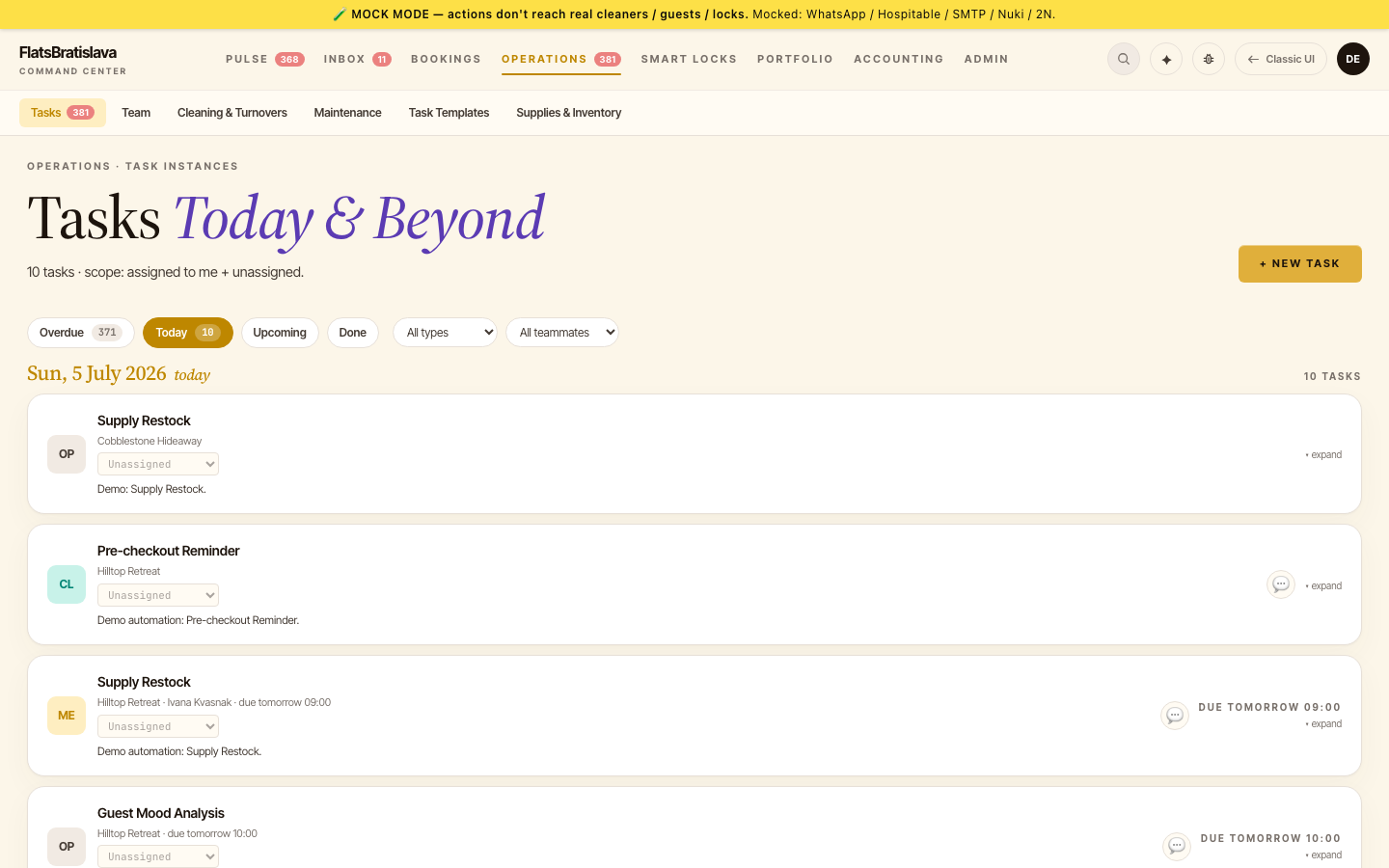 A task is one piece of work for one booking. Almost everything you do per stay runs through a task: create the door code, plan the cleaning, send the check-in message, ask for a review.
Tasks are not created by hand. Task templates create them when something happens with a booking (new booking, check-in, check-out, after check-out).
In this section
- How to run daily operations: your daily routine with Pulse and the three task lists
- Task List: the Operations Tasks screen and how to use it
- Task Card anatomy: what each part of a task card means
- Auto-resolve: how tasks finish on their own, and what stops them
- Manual trigger: run a rule by hand instead of waiting for the automatic schedule
- Notifications: how tasks reach teammates on WhatsApp
Where tasks appear
| Screen | What you see |
|---|---|
| Pulse dashboard | Today's work and the tasks that will finish on their own |
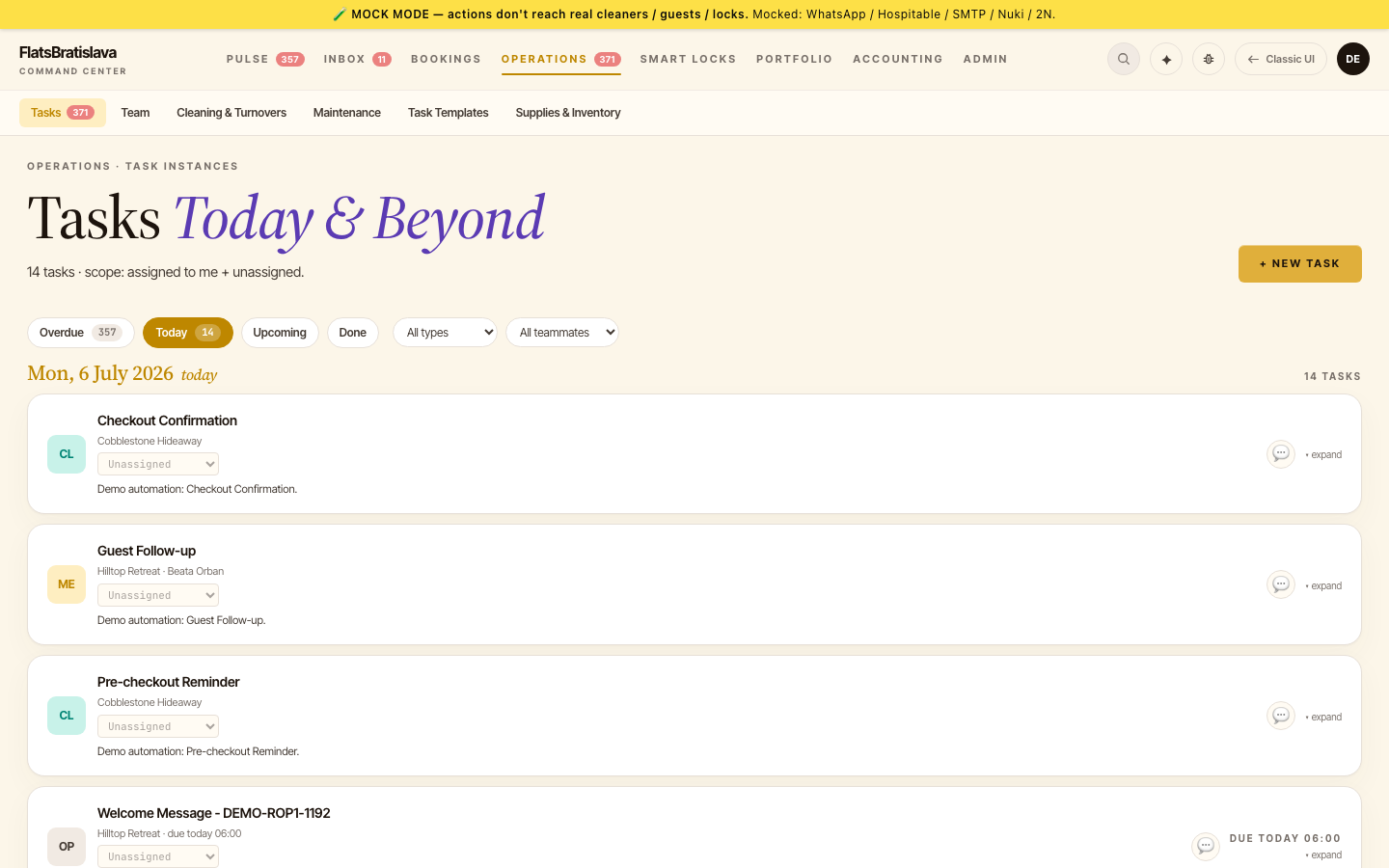
| Operations → Tasks | The full list, with filters |
| Per-reservation detail | Only the tasks of one booking |
| Tasks for your role arrive as messages with buttons |
Task status
| Status | Meaning |
|---|---|
not_done |
To do. Every new task starts here |
scheduled |
Has a set time. The app checks it at that time |
done |
Finished (by you or automatically) |
cancelled |
Cancelled (for example, the booking was cancelled) |
failed |
The app tried, but the action did not work. Check it yourself |
If a task's action is skipped, the task goes to failed with a reason. It never goes quietly to done.
Auto-resolve in short
A task can have an auto-complete checklist item. This item has a time (HH:MM, for example "19:00") and a list of conditions. At that time the app checks the conditions. If all are met, the action runs and the task becomes done. If a condition is not met and you turned on the warning for it, you get a WhatsApp message at that time. Full details in Auto-resolve.